Your crew in the same app, seeing only what they need.
Owners, office staff, salespeople and crew each get the right view. Crew clock in on the job, see today's work and turn in their week; you approve it.
Card required at signup. 30-day money-back guarantee.
- Today
- Tasks
- Clock in
- Timesheet
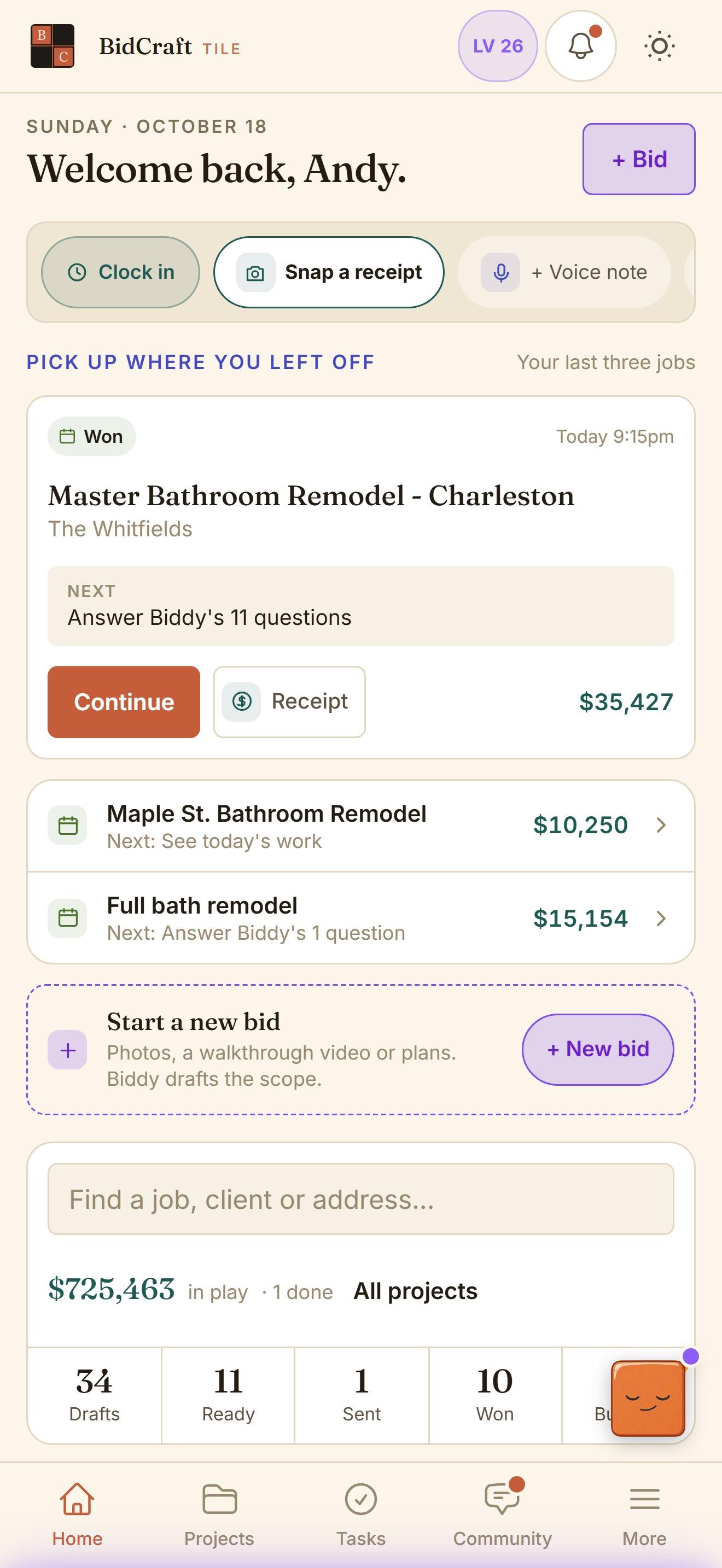
What it does, line by line.
- Four roles
- Owner: everything, including billing. Admin: everything but billing. Sales: bids and projects, with pricing read-only. Crew: today's work, tasks and their own timesheet.
- Clock in on the job
- Crew clock in from the project or the home screen, so time lands on the right job.
- Weekly timesheets, approved by you
- Crew submit their week. Owners and admins review and approve it.
- A crew view without the money
- Crew see the job, the tasks and the photos. Not your margins, not your price book.
- Invite by email
- Add a teammate with their email address. They set a password and land in your company's account.
- Spanish is rolling out
- Crews asked for it, so a Spanish version of the app is on its way to every account.
Questions about it.
Does each crew member need a login?
Yes. Invite them by email and they get their own login with the crew view.
Can crew see what I charge?
No. The crew view shows the job, tasks and photos, without prices, margins or your price book.
Can a salesperson change my prices?
No. Sales can build bids and work projects, but pricing settings are read-only for them.
Bid your next bathroom in BidCraft.
Fourteen days on your real jobs, with your own rates and your own proposal style. The Growth Community and the Tuesday call come with it.
Card required at signup. 30-day money-back guarantee.